

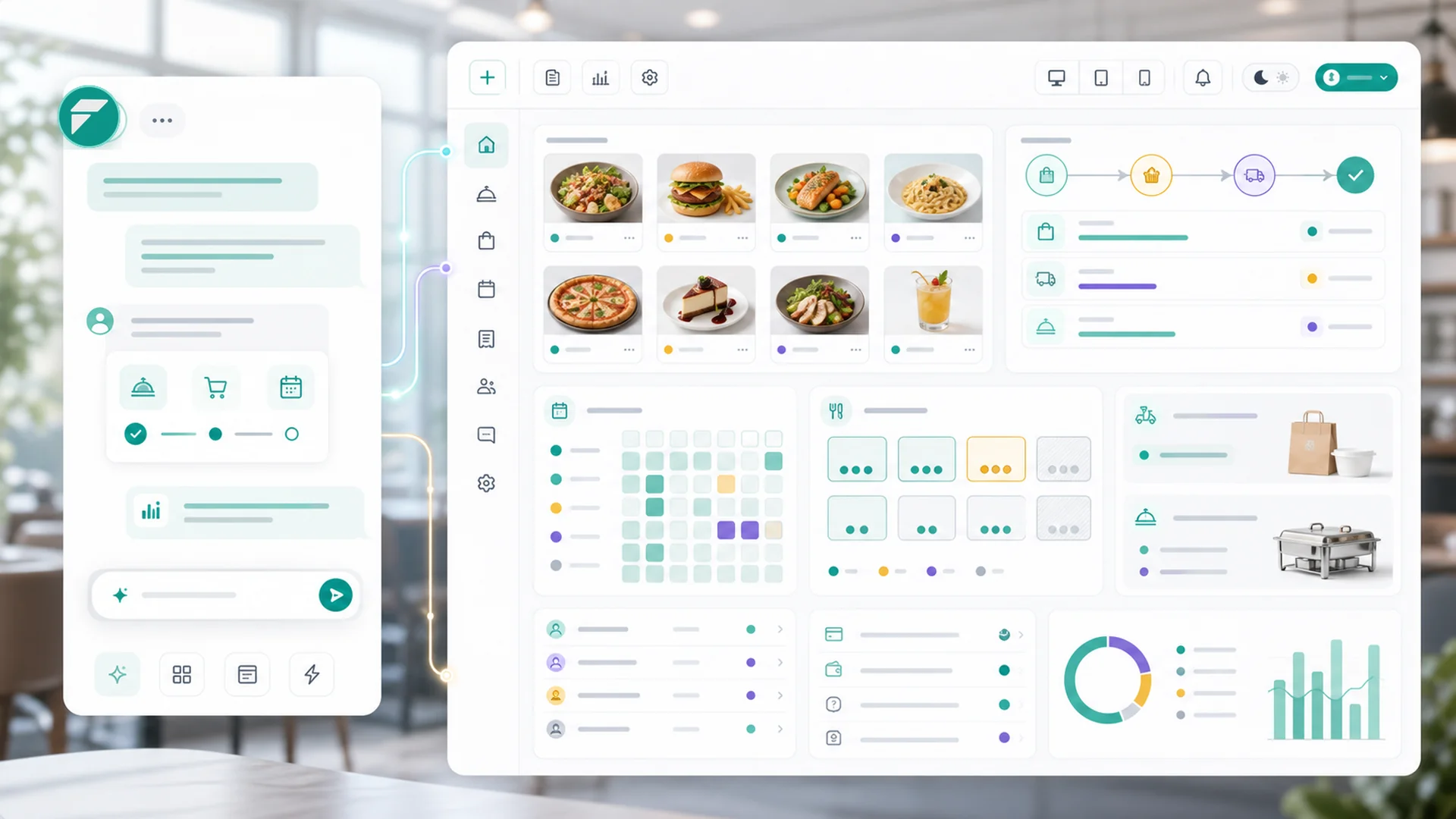
Quick answer: A restaurant's online stack needs four things working together: a menu that's structured data (choices, extras, and tray sizes as real options, not PDF footnotes), separate storefronts for dine-in, takeout, and catering with their own hours and rules, time-slotted ordering that paces the kitchen instead of slamming it, and payment terms that match each order type — deposit for the catering job, pay-at-pickup for the regular. Run it on your own site and the 15–30% delivery-app commission becomes margin, and the customer list becomes yours.
Every restaurant owner knows the delivery-app math by heart: 15–30% of every order, gone — and worse, the customer belongs to the app. Their email, their order history, their next craving: all of it lives in someone else's database, rented back to you as "promotions" you also pay for.
The alternative isn't going offline; it's owning the stack — menus, ordering, scheduling, payment, and the customer relationship on your own site. Here's the whole architecture, piece by piece, the way food businesses actually run it.
The menu is data, not a PDF
The foundation decision: your menu lives as structured, browsable pages — categories and items a customer can tap through and order from — not a scanned PDF from last spring. Beyond looking better, structure is what makes ordering work, because real menu items have real shapes:
- Pick-one choices — spice level, preparation, flavor — presented as options on the item, each with its own upcharge (or none), so "medium, extra crispy" arrives in the kitchen exactly as the customer chose it.
- Paid extras — add bacon, add a side, add a sauce — defined once and reused across every item they apply to, billed per unit.
- Tray and portion tiers — half-pan and full-pan, small and large — as price tiers the customer picks, which is where catering menus live or die.
- Headcounts and dietary tags — "serves 10–15" on the catering tray, vegan and gluten-free flags a customer can actually filter by.
Every one of those baked into prose ("ask about our sizes!") is an order that needs a phone call; every one structured is an order that completes itself at 9pm while you're closing. The product-page craft applies to brisket as much as to anything else: specifics sell.
One kitchen, many menus
The structural move most owners don't know they can make: run each side of the business as its own storefront — dine-in, takeout, delivery, catering, events — each with its own menu, its own hours, and its own rules, all feeding one kitchen and one customer base.
The lunch regular and the bride planning a 150-person reception are different buyers on different clocks. Catering can require three days' notice and a minimum order while takeout runs same-day; the event menu can show only what travels well; the cafe storefront can close at 3pm while catering takes orders around the clock. Separate front doors, separate rules — shared kitchen, shared customer list.
Time slots: the feature that protects your kitchen
Online ordering's hidden danger is that the internet doesn't know your kitchen has a ceiling. The fix is built into the scheduling layer: pickup and delivery times offered as slots with capacity limits — say, six orders per 15-minute window — with a minimum advance notice ("orders need an hour's head start") and a horizon for how far ahead customers can book.
When the 6:30 slots fill, the site offers 6:45 — automatically, politely, without a phone call or an exploding ticket rail. Capacity becomes something you set instead of something that happens to you on a Friday night. And for catering's longer runway, the same machinery enforces the days-ahead notice your prep actually requires.
Get paid the way each order deserves
Payment terms aren't one-size-fits-all in food, and the stack shouldn't force them to be:
- Pay in advance for standard takeout and delivery — the order is committed, no-shows cost nothing.
- Deposit now, balance later for catering — a percentage up front covers your purchasing risk on the 150-person job, exactly the deposit logic any high-prep business needs.
- Pay at pickup (including cash) where your regulars expect it — and minimum-order thresholds, with a separate higher minimum for catering, keep every order worth firing the ovens for.
An order's life, as the customer feels it
After the click, the order moves through named stages — received, confirmed, preparing, ready — and each transition notifies the customer automatically. That status flow is quietly the biggest service upgrade in the stack: the "is my order ready?" phone call disappears, and your counter stops being a help desk. Staff can attach notes the customer sees on their order page ("we substituted the side as requested"), and when something goes wrong, refunds and partial payments are states the system understands rather than arguments at the register.
Reservations, events, and the long table
The third leg — reservations and events — runs on the booking side of the same workspace: events and workshops with fixed dates, capacity, and registration handle the wine dinner, the cooking class, the holiday tasting — each one a small launch with the four-week runway it deserves, and follow-up that turns attendees into regulars.
The flywheel the apps never give you
Here's what actually compounds: every order on your own stack lands on a customer record you own. The Tuesday regular, the caterer's corporate contact, the wing-night crowd — visible, segmentable, reachable. That's the list your win-back sequence works, your newsletter feeds, and your holiday campaign converts — none of which is possible when the app owns the relationship. The commission you stop paying is the visible win; the customer list is the bigger one.
Key takeaways
- Structure the menu: choices, paid extras, tray tiers, headcounts, and dietary tags as real data — every option in prose is a phone call; every option structured is a completed order.
- Split the storefronts: dine-in, takeout, and catering each get their own menu, hours, and rules — one kitchen, one customer base behind them.
- Pace the kitchen: capacity-capped time slots, minimum notice, and an ordering horizon turn Friday night from an ambush into a schedule.
- Match payment to order type: advance for takeout, deposit for catering, cash-at-pickup where regulars expect it.
- Let the status flow talk: automatic received→ready notifications delete the "is it ready?" call.
- Own the list: every direct order is margin kept and a relationship the apps can never rent back to you.
Frequently asked questions
Should I drop the delivery apps entirely?
Not necessarily — for many restaurants the apps remain a discovery channel. The strategy is migration: let the apps introduce you, then move regulars to your own ordering with better prices, loyalty perks, or app-only-on-your-site items. Every migrated regular is 15–30% margin recovered forever.
How granular should my time slots be?
Fifteen-minute windows suit most kitchens; the capacity per slot matters more than the width. Start conservative — the number of orders your line can genuinely plate in a window on a busy night — and raise it as the rhythm proves out. A slot cap you never hit costs nothing; one you set too high costs a Friday.
What belongs on the catering menu vs the regular menu?
Catering items are trays with headcounts and tiered prices, longer notice, and a higher minimum — structurally different from plated dishes. That's exactly why it deserves its own storefront with its own rules rather than a "call for catering" line at the bottom of the dinner menu.
Do online orders overwhelm the kitchen during the dinner rush?
Only on stacks without pacing. Capacity-capped slots plus minimum advance notice mean online orders arrive on the schedule you set — and unlike phone orders, they arrive complete, paid, and legible. Most kitchens find paced online orders easier to run than the phone ever was.
How do I move my delivery-app customers to my own site?
The bag stuffer with a first-order code, the better price on your own site (you have 15–30% of room), and the loyalty of an owned list doing the rest. The honest coupon mechanics are in our coupon strategy guide — a unique WELCOME code per channel tells you exactly which stuffer worked.
Menus, storefronts, slots, payments, events, and the customer list all run in one Faster workspace — most of it set up by describing your kitchen's reality. Start with the menu as data and the slots that match your line; the margin and the list follow.


