

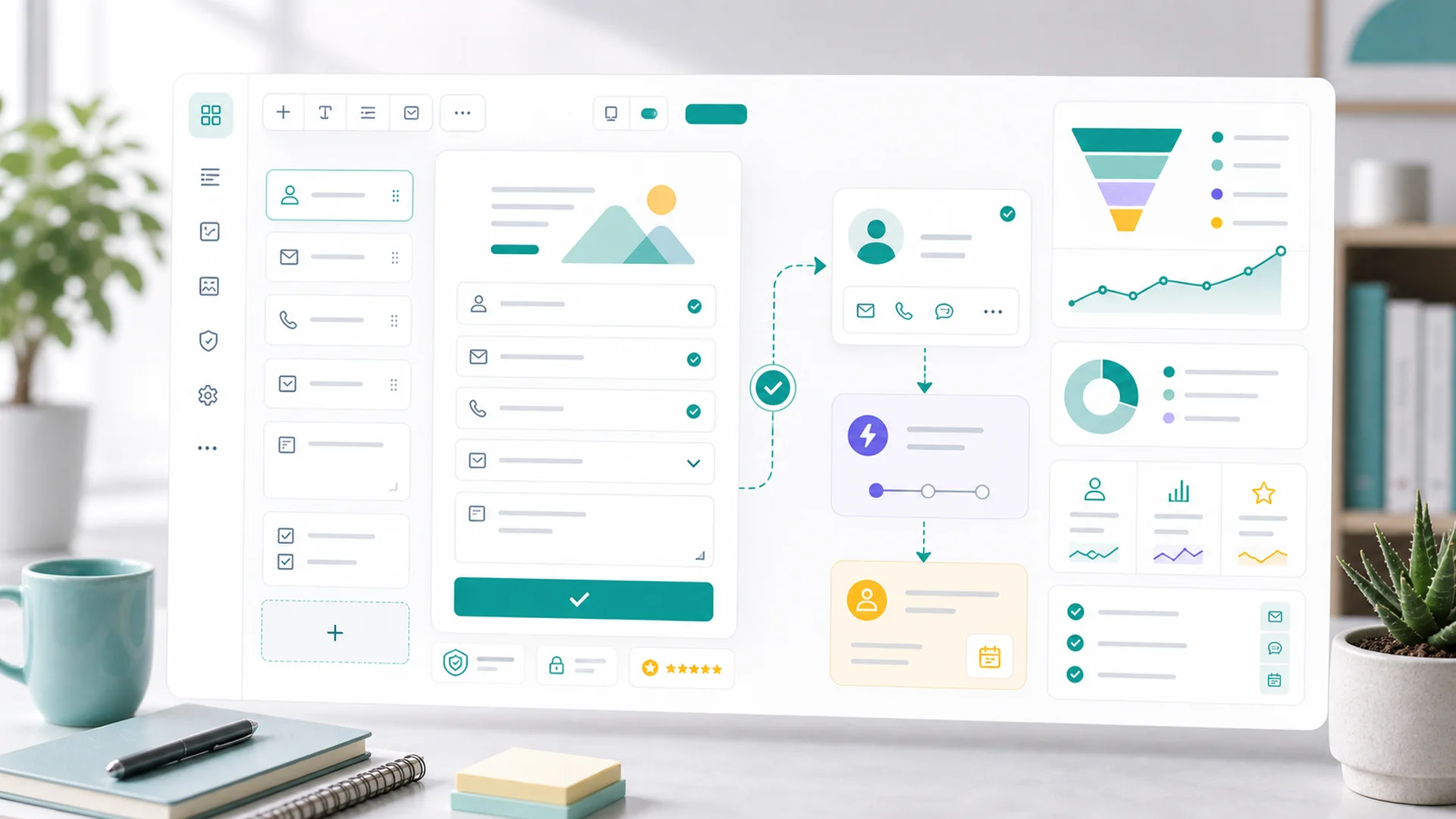
A lead form converts when three decisions are made deliberately: the offer (why someone trades their email), the fields (every input must earn its friction), and the after-submit pipeline (submissions become customer records with source attribution and automatic follow-up — not rows in an inbox). Most forms fail on decision one and blame decision two.
"Add a form" is the most common growth advice on the internet, and the most commonly wasted. A form is just a door — what makes people walk through it is what's behind it, how heavy it is to open, and whether anyone greets them on the other side. Three decisions. Let's make them properly.
The offer: why would anyone fill this in?
Before fields, before placement: what does the visitor get? "Subscribe for updates" converts at rounding-error rates because it asks for something valuable (attention, inbox space) in exchange for something vague. The trades that work are specific and immediate:
- Answers they want anyway: a pricing guide, a "what does X cost in [year]" breakdown, a buying checklist.
- A first step with value: free assessment, sample lesson, design consult — the form is the booking.
- A discount with a clock: first-order codes, early-access pricing — honest urgency, clearly stated.
The test: would you give your email for this? If the honest answer is no, no field optimization will save it. Build the form around the offer, headline the offer above the fields, and repeat what they're getting on the submit button itself — "Send me the pricing guide" outconverts "Submit" every time it's tested.
The fields: a friction audit
Every field is a toll booth. Run the audit on a typical lead form:
That leaves two or three visible fields — which is the answer to "how many fields should a lead form have." Use field types and validation to keep junk out (a real email format check beats a CAPTCHA for most small sites), label clearly, and make error messages say what to fix, not just turn red.
The invisible fields that answer "where do leads come from?"
Here's the trick that replaces the "how did you hear about us" field: hidden tracking fields. They capture the campaign, channel, and landing page with each submission — automatically, accurately, invisibly. Pair them with campaign tracking links on your social posts, emails, and ads, and a month later you can answer the only marketing question that matters: which channel produces leads that become customers — not clicks, customers. That's the number that decides next month's effort.
Visitors answer "where did you come from?" badly. Tracking fields answer it perfectly — and silently.
Attribution belongs in hidden fields, not in the visitor's way.
After submit: the pipeline, not the inbox
The default fate of a form submission is an email notification that gets read, mentally filed, and forgotten. The converting setup treats submit as the start of a pipeline:
- The submission becomes a customer record. Map the fields — email, name, the message — so the lead lands in Customer 360 with its source attached, not in a spreadsheet.
- The promised thing arrives instantly. Connect the form to a journey — the welcome sequence delivers the guide in minute one and runs the three-email follow-up you wrote once.
- A human gets a task only when a human adds value. Hot signals — a filled message field, a "call me" offer — create a follow-up task with the submission context attached. Everything else stays automated.
- Someone owns the weekly review. Five minutes over the submissions list: any leads stuck without follow-up, any spam pattern worth a validation rule, any question appearing twice that deserves a page.
The half-hour test that catches everything
Before calling it done, submit your own form from your phone, on cellular, with a personal email. Verify the whole chain: the thank-you state says what happens next, the promised email arrives within a minute, the customer record exists with the right source, and the task fired if it should have. If any link in that chain is broken, the form is quietly burning the marketing spend that feeds it — troubleshoot before you drive another visitor to it.
Key takeaways
- The offer converts, not the form: specific and immediate beats "subscribe for updates".
- Two or three visible fields: email, name, one optional message. Cut the interrogation.
- Attribution goes invisible: hidden tracking fields + campaign links answer "which channel pays".
- Submit starts a pipeline: customer record, instant delivery, journey, human task only on hot signals.
- Test the whole chain monthly — from your phone, like a stranger.
Frequently asked questions
Where should the form live on the page?
Where intent peaks: end of blog posts, on service pages right after the proof, and after confirmation moments. Above-the-fold placement helps only when the offer is already understood — context converts, position just collects.
Do I need a CAPTCHA?
Start without one — proper field validation stops most junk, and CAPTCHAs tax every legitimate visitor to punish a few bots. Add protection only when a real spam pattern shows up in the weekly review, and prefer invisible measures first.
Multi-step forms: better or worse?
Better for high-commitment offers (quotes, assessments) where each step feels like progress — start with the easy question, ask for contact info last, once they're invested. Worse for simple content offers, where one step should mean one click.
What's a good conversion rate for a lead form?
On a focused landing page with a strong offer, 10–25% of visitors; embedded on content pages, 1–3% is healthy. But benchmark against yourself: instrument this month, change one decision, compare next month. Your trend beats anyone's average.
Can AI build the form for me?
Yes — describe the offer and what your team needs, and review what comes back against the field audit above. The three decisions are still yours; the assembly doesn't have to be.
A form is a promise with input fields: give us this, get that, and someone competent follows up. Make the offer real, make the door light, make the greeting automatic — and the same traffic you have today produces more customers next month. Setup details for every link in the chain live in the help center.


