


Somewhere in your inbox right now is a thread that should change how you treat a client — a complaint you half-resolved, a "yes, go ahead" you'd struggle to find again, a question from someone whose quote is aging. Your email knows things your business doesn't. That gap has a name: it's the distance between an inbox and a customer record.
Quick answer: Connect your business inbox to your CRM so every email thread attaches itself to the customer it belongs to. The payoff isn't tidiness — it's that "what's the story with this client?" becomes one screen instead of three searches, anyone on your team can answer it, and the morning email session turns into triage instead of archaeology.
The inbox is a great mailroom and a terrible memory
Email is where client communication happens and where client history goes to disappear. The failure isn't dramatic — it's structural:
- Context lives with the wrong key. Your inbox organizes by time and thread; your business runs on people. "Everything about Dana" is exactly the question email can't answer without a search expedition across three subject lines and a forwarded scan.
- Agreements evaporate. "Approved, go ahead" from April is binding — if you can find it. Scope decisions made in email are the institutional memory of a service business, stored in a shoebox.
- Only you can see it. The moment anyone else takes over a client — a hire, a contractor, you-after-vacation — every email-shaped fact about that relationship needs re-telling. The inbox is the one system in your business with exactly one reader.
None of this is fixed by better folder discipline. It's fixed by changing the key: conversations filed under the person, not the timestamp.
What "connected" actually means
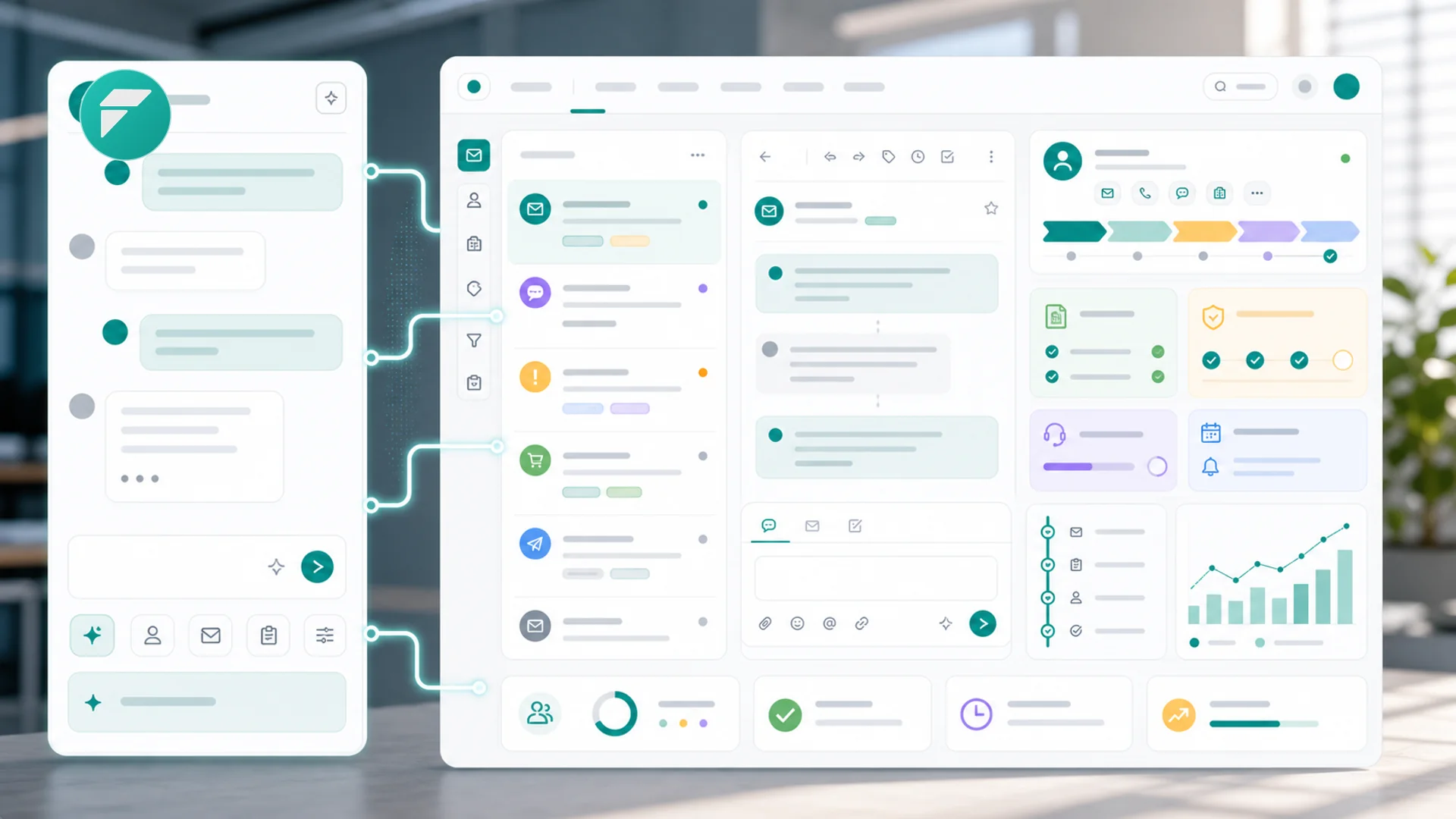
When you connect your inbox to customer records, the mechanics are simple: threads with a known customer attach to that customer automatically, matched by their email address. From then on, two views exist of the same conversation:
The inbox view stays what it was — your mail, in order, where you reply and forward like always. Nothing about how you write email changes, which is precisely why this habit sticks where "log every call in the CRM" habits die.
The customer view is the new part. Open a client's record and their emails sit on the same timeline as their invoices, bookings, quotes, and notes — the full story in one scroll, which is the entire promise of a customer 360. The Tuesday-morning question "what's the story with this client?" stops requiring your memory to be the join between four systems. And when the timeline gets long, filter it down to just the emails, just the money, just the bookings — whichever lens the moment needs.
Triage: the morning email session, redesigned
Once threads carry customer context, processing email becomes a different activity. Triaging customer threads means each message arrives wearing its situation — this one's from a client with an open quote, that one's from someone whose project kicks off Monday — and each gets one of three moves, in the spirit of the pipeline sweep:
- Answer now if it's two minutes — with the record beside the thread so the answer is informed, not improvised.
- Turn it into work if it's bigger: a task with a date attached to the customer, so the request survives the inbox scroll. "I'll get to it" with a date is a system; without one it's a hope.
- File the fact if the email contains a decision or detail that matters later — it's already on the record; add a note if the thread buries the lede.
The reply side improves too: composing from the record means you write with the history in view — and the reply files itself. No BCC-to-CRM gymnastics, no copy-paste bookkeeping.
What the connected inbox quietly fixes downstream
The wins show up in places that don't look like email problems:
- Follow-up gets honest. "Did anyone reply to them?" has an answer on the record, not in someone's memory. The stale-quote nudge from your pipeline sweep starts from the last thing actually said, not the last thing you remember saying.
- Money conversations have receipts. When an invoice is questioned, the scope agreement is two clicks away on the same timeline as the invoice itself — which is how a billing adjustment stays a procedure instead of a memory contest.
- Handoffs stop being downloads. A new hire covering a client reads the record and is current. The business stops paying the re-explain tax every time attention changes hands — the same institutional-memory argument as the pipeline, applied to every conversation you've ever had.
- Doubles get caught. The same human existing twice — once as a typo — splits their history. Connected email surfaces these fast, and merging duplicates reunites the story.
The boundaries worth drawing
One inbox doesn't mean zero judgment. Three lines keep it clean:
- Connect the business address, not your personal one. The system should know about client threads, not your dentist. If both flow through one address, that's the actual problem to fix first.
- Not every thread needs to be a record. Newsletters, vendor spam, the venue confirming your own booking — matching by known customers filters most noise automatically; resist hand-attaching marginal threads out of completionism.
- When sync looks wrong, check before you distrust. A thread that didn't attach is usually an unknown address or a sync hiccup — troubleshooting takes minutes, and it's worth those minutes, because the whole system only works if your team believes the record is complete.
Key takeaways
- Email is a mailroom, not a memory: it organizes by time and thread while your business runs on people — "everything about Dana" is the question it can't answer.
- Connecting changes the key, not the habit: you write email exactly as before; threads file themselves under the customer, which is why this sticks where manual logging dies.
- The timeline is the payoff: emails beside invoices, quotes, and bookings turn "what's the story here?" into one scroll any teammate can read.
- Triage in three moves: answer the two-minute ones with context, convert the big ones into dated tasks on the record, and note the facts that matter later.
- The downstream wins aren't email-shaped: honest follow-up, billing conversations with receipts, handoffs without the re-explain tax, duplicates caught early.
- Draw the boundaries: business address only, let customer-matching filter the noise, and fix sync doubts immediately — the record only works if it's trusted.
Frequently asked questions
Does connecting my inbox mean my whole team reads my email?
It means customer threads become visible on customer records — which is the point: the relationship belongs to the business, not to one mailbox. The boundary you control is which address is connected. Keep personal correspondence on a personal address and the system never sees it; what your team gains is exactly the slice they need to serve clients without asking you to forward things.
We're a two-person shop. Is this worth it before we hire?
Two people is when the gap first costs money — the moment either of you answers a client without knowing what the other promised. And the cheapest time to connect an inbox is before the history gets long: do it now and your record of every relationship starts accumulating today, so your eventual third person inherits years of context instead of a welcome packet.
What happens with someone who emails from two addresses?
Each address matches to whatever record carries it, so the fix is making sure one person is one record: add the second address to their record, or if a duplicate has already formed around it, merge the two. It's worth a minute whenever you notice — split histories are how the system starts lying to you, one thread at a time.
Isn't this what CC'ing a shared address or a folder system does?
Those move mail around; they don't change the key. A shared folder still organizes by time and subject, still requires the reader to reconstruct the story, and still loses the thread the week everyone is busy. Filing under the customer — next to their money, bookings, and notes — is a different data structure, and the difference is exactly what makes "read the record, you're current" possible.
Ready to stop being the join between your inbox and your business? Faster connects your email to customer records — threads on the timeline, replies that file themselves, and a story any teammate can pick up cold. Start free and let the mailroom remember.

