

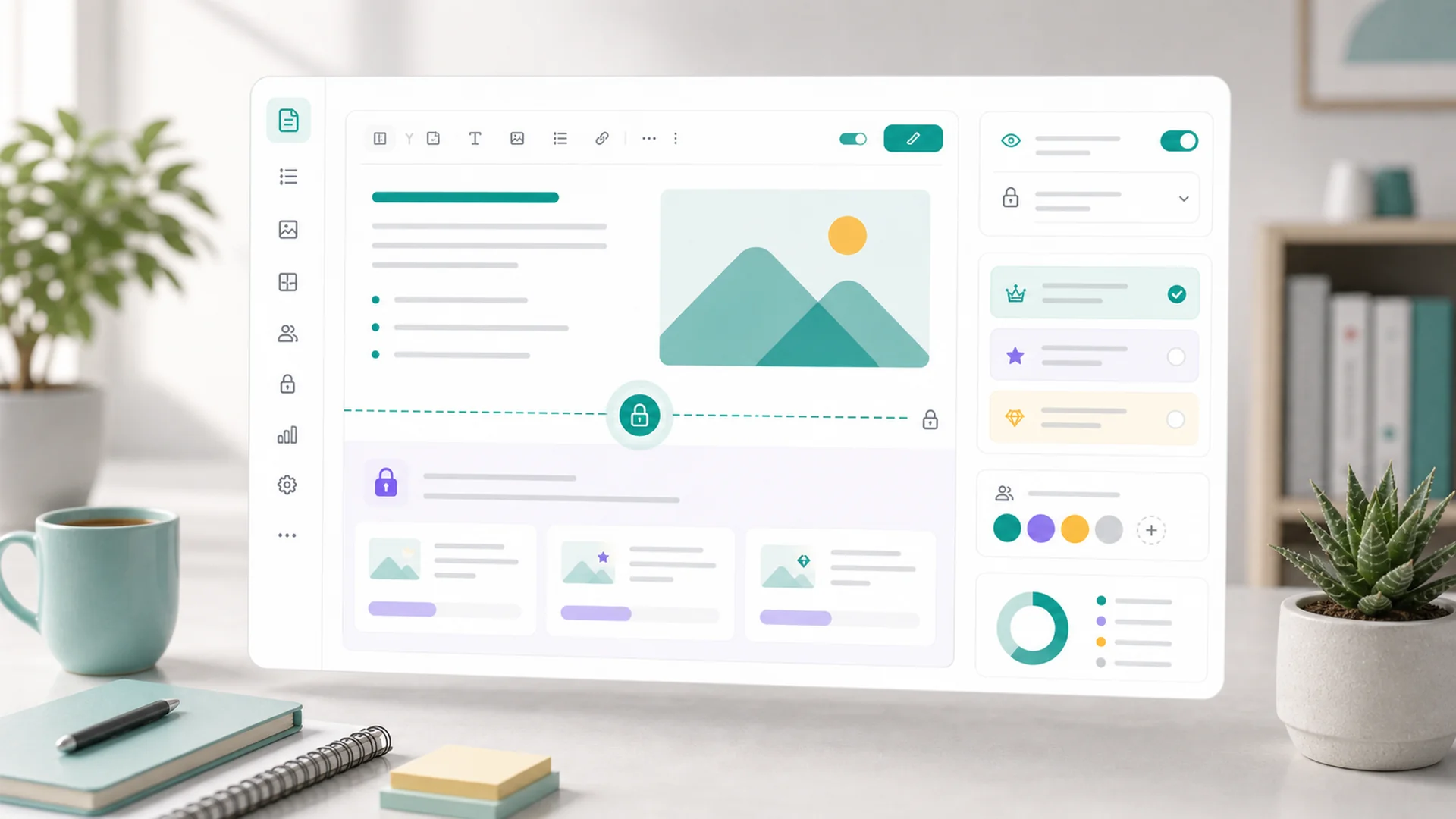
Quick answer: A members-only area works when you design the access, not just lock the content. Define tiers by the outcome each level buys, gate the content that has genuine member value (courses, replays, downloads, archives) while leaving your marketing and search pages public, place in-post paywalls after the value is proven but before the payoff is delivered, and treat renewals and cancellations as part of the product — because a member's last experience decides whether they ever come back.
Recurring revenue is the best money in a small business — predictable, compounding, and earned from people who already trust you. Which is why so many businesses bolt a "members" login onto their website, lock everything behind it, and watch both their traffic and their signups quietly die.
The failure isn't the idea; it's the design. A members-only area is not a wall around your content — it's a second, deeper layer of your business, with its own promise, its own front door, and its own etiquette about what gets locked. Here's how to build one that members renew into instead of escaping from.
Start with the tier promise, not the lock
Before gating anything, answer the question a prospective member actually asks: what do I get, ongoingly, for paying you monthly? A membership tier is that answer packaged — what the member receives, what it unlocks, how billing works, and what changes on upgrade or cancel.
Three rules keep tiers honest:
- Name tiers by outcome, not metal. "Gold/Silver/Bronze" says nothing; "Self-Serve / Coached / Inner Circle" tells a buyer which one they are. Two tiers is plenty to start; a third earns its place later.
- Every tier needs a recurring reason to exist. A one-time bundle of PDFs is a product, not a membership. Monthly content, ongoing access, a community, live sessions — something has to be true next month too. Price it like any offer: by the outcome, using the same logic as our pricing guide.
- Write the upgrade path down. The cheapest tier's job is to make the next tier obviously worth it — if you can't say what someone gains by moving up, the tiers are decoration.
Access has many doors — and that's a feature
"Member" doesn't only mean "paid a subscription." In Faster, member access can come from a signup, a purchase, a tier, an invite, a course enrollment, a webinar registration, or a manual update by your team — and each door grants exactly the access it should, no more.
This is what makes the members area a funnel rather than a fortress. A free signup unlocks the resource library and starts the relationship; a course purchase unlocks that course; the paid tier unlocks everything. People climb a staircase of access — each step earned, each one showing the view from the next. Design your doors deliberately: the free one should exist (it's your email list with benefits), and every paid one should map to a tier promise.
What to gate — and what gating would strangle
Gating sets who can see a page, post, course, replay, download, or resource. The craft is choosing the right visibility for each thing — and resisting the urge to lock the lot:
Course lessons, webinar replays, templates and downloads, the archive of past member content, community spaces, anything with private context. These are the tier promise made tangible — members should feel the unlock.
Your services pages, your best explanatory blog posts, anything that ranks in search or convinces a stranger. Gated pages are invisible to search engines and to the prospects who've never heard of you — locking your marketing is paying to hide your own storefront.
Some content earns an email instead of a fee: the resource library, the starter course, the monthly newsletter archive. Signup-gated content converts strangers into known contacts — the top step of the staircase.
Paywall placement: the line inside a post
For individual posts and guides, you don't have to gate the whole piece — you can draw the members-only line partway through, where the free portion is public and everything below it belongs to members. Where you draw that line decides whether the paywall converts or annoys:
- Place it after the value is proven, before the payoff is delivered. The free portion should teach something real — the problem framed, the approach explained, the first step given. The locked portion holds the templates, the numbers, the complete walkthrough. The reader should hit the line thinking "this person clearly knows the answer," not "that was an ad."
- Never gate at the first paragraph. A tease-only post can't convince anyone — and it can't rank, can't be shared, and can't prove you're worth paying. Generosity above the line is what sells the line.
- Be consistent. If members know your pattern — free posts teach the what and why, member posts include the how and the tools — the paywall stops being a surprise and becomes the product's shape.
Renewals and cancellations are the product too
Most membership churn isn't rage-quitting — it's drift. The member stopped using the thing, the renewal hit the card, and the cancellation is really a refund complaint in waiting. Handling renewals and cancellations well means treating both as designed moments, not billing events:
- Before a renewal, the member should have recently felt value — a new drop, a session, a win. If your content cadence has a dead month, your renewal dates will find it.
- Before changing a membership — cancel, pause, refund, access change — review the member's record first: payment status, current access, renewal date, and any promises made in past messages. Surprising a member with a technically-correct-but-promise-breaking change costs more than the fee.
- Offer pause before cancel. A three-month pause keeps the relationship and often the member; a cancellation flow with no off-ramp converts temporary life events into permanent churn.
- Make cancelling clean. The last experience is the one they tell people about — and the one that decides whether your winback email in six months gets opened.
All of this runs on the member's customer record — membership status, billing history, and access live on the same timeline as their bookings and emails, so the renewal conversation starts from the whole relationship, not a billing row. (That's the Customer 360 view doing its job.)
Key takeaways
- Design the access, not the lock: tiers named by outcome, each with a recurring reason to exist and a written upgrade path.
- Use the many doors: signup, purchase, course, webinar, invite — as a staircase of access, with a free step at the top of the funnel.
- Gate the tangible member value: keep marketing and search-ranking pages public, always.
- Place in-post paywalls after the proof, before the payoff: generosity above the line sells the line.
- Design the renewal: schedule value before renewal dates, review the record before any membership change, and offer pause before cancel.
- Exit clean: a graceful cancellation is your best winback asset.
Frequently asked questions
How much content do I need before launching a membership?
Less than you think — a believable starting library plus a visible cadence beats a huge archive. Members renew for what's coming, not what's piled up. Launch with the first month's value real and the next three months' plan written.
Should my whole blog be members-only?
No — that kills the discovery engine that feeds the membership. Keep the posts that attract and convince public; gate the deep how-tos, tools, and archives. Public content is how strangers find the staircase; gated content is why they climb it.
One tier or multiple tiers to start?
Start with one paid tier (plus free signup access) unless you already know two distinct audiences with distinct willingness to pay. A second tier added later, to documented demand, beats three speculative tiers confusing every buyer on day one.
Where exactly should the paywall go in a long guide?
After the reader has learned enough to act once, before the material that makes acting easy — typically past the framing and first steps, ahead of the templates, examples, and complete process. If the free half could stand alone as a decent post, you've placed it well.
How do I handle someone asking for a refund mid-cycle?
Check the record first — tenure, usage, promises in past messages — then err toward generosity for first asks. A fee refunded buys goodwill cheaply; a fee defended buys a public complaint. Make the policy explicit in the tier description so most asks never happen.
Can course buyers and members coexist in one area?
Yes — that's the access-doors model working. A course purchase unlocks that course; membership unlocks the wider area including courses. Just keep the entitlements distinct in your tier descriptions so a course buyer never feels tricked into thinking they bought everything.
Tiers, gating, member access, billing, and the customer records behind them all live in one Faster workspace — so the members area is a layer of your existing site, not a second system. Write the tier promise first; the locks come last.


