

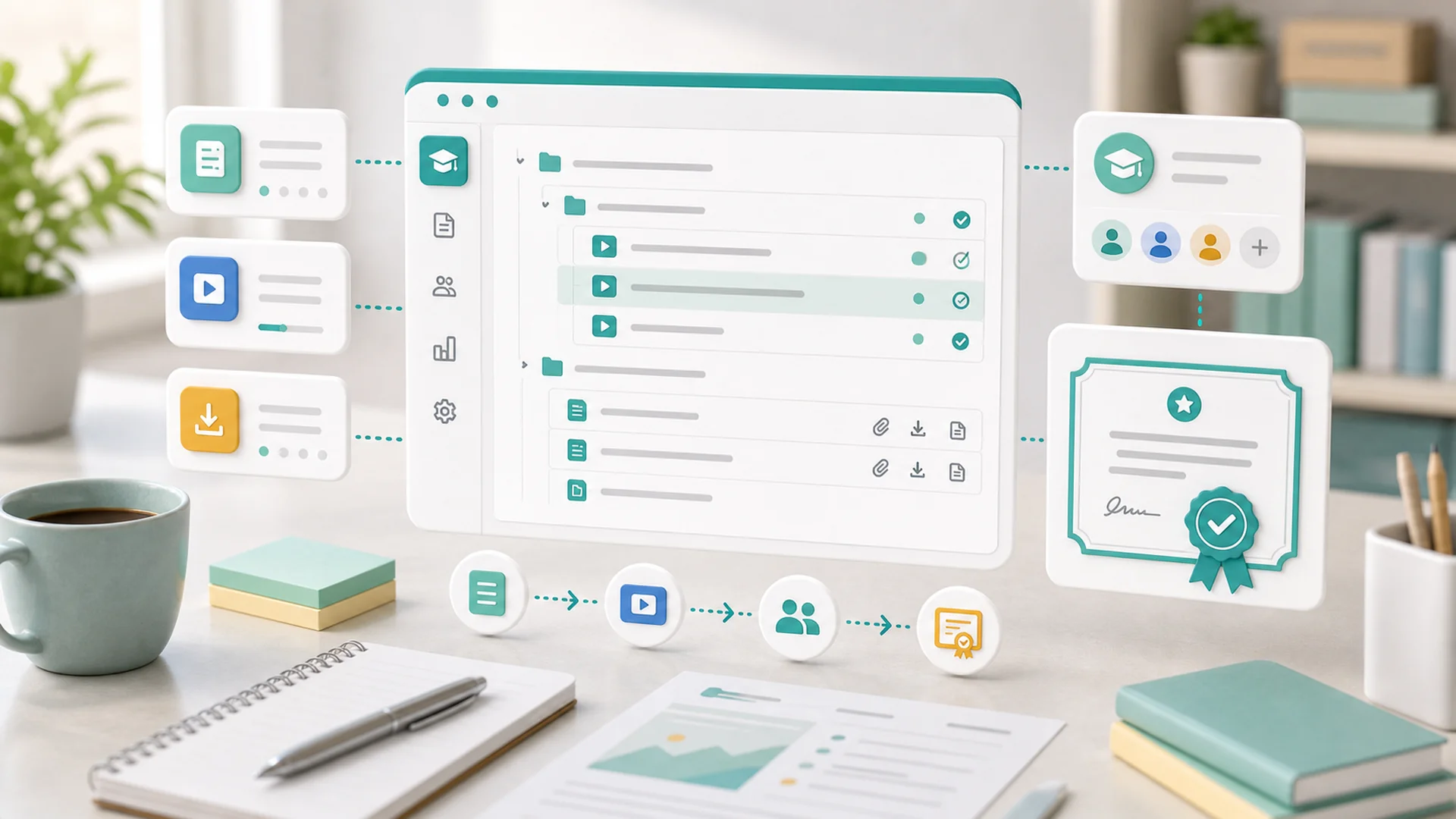
Quick answer: Publish your first online course by working in this order: write the outline before recording anything, build lessons and resources from that outline, choose one enrollment path (free, paid, or membership), run a pre-launch review on a test account, and only then enable certificates. The outline-first sequence prevents the most common failure — recording hours of video for a course structure that doesn't survive contact with real learners.
Most first courses fail before launch day. Not because the material is bad — because the creator started with a camera instead of a plan, recorded twelve videos, and then discovered the structure doesn't work: lesson four assumes something never taught, the "module" boundaries are arbitrary, and there's no answer to the question every buyer asks first — what will I be able to do when I finish?
This guide walks the whole path in the order that actually works: outline → lessons → enrollment → launch review → progress → certificate. Each stage links to the detailed help guide, so you can go deeper wherever your course needs it.
Write the outline before you record anything
A course outline is not a table of contents — it's the working map of what learners will see and what you must prepare. The course outline guide frames it as a promise: every course makes one ("after this, you can file your own quarterly taxes" / "you'll play three songs end to end"), and every section either advances that promise or doesn't belong.
Work through four passes:
- Write the promise as one sentence. If you can't, the course is two courses — split it.
- List the outcomes a learner must hit to keep that promise, in dependency order. These become your sections.
- Break each outcome into lessons — one teachable idea each. If a lesson description needs the word "and," it's probably two lessons.
- Mark the format per lesson: which need video, which work as text, which need a download, quiz, or assignment. This is your production checklist — and it's almost always shorter than "record everything."
The outline doubles as your review checklist before publishing — every claim in your marketing should trace back to a lesson that delivers it.
Turn the outline into lessons and resources
With the map drawn, production becomes assembly rather than improvisation. The lessons and resources guide covers the mechanics; two principles matter most for a first course.
Chunk lessons to one sitting
A lesson should be completable in one sitting — for most audiences that's 5 to 12 minutes of video or a few minutes of focused reading. Long lessons don't make a course feel more valuable; they make progress feel impossible, and stalled progress is the number-one reason learners quietly abandon a course they paid for. If a topic genuinely needs 40 minutes, that's a section with four lessons, and your completion rates will thank you.
Make downloads do real work
Templates, worksheets, and checklists are where many courses deliver their practical value — the video explains, the download is what the learner actually uses afterward. The media and downloads guide covers attaching files to lessons. One rule: every download should be referenced by the lesson it's attached to. Orphan files in a "Resources" dump folder get ignored.
Decide how learners get in
Enrollment is a business decision disguised as a settings page. The enrollment guide covers the paths; for a first course, pick exactly one:
Anyone signs up and starts. Best when the course is a lead generator — it feeds your email list and demonstrates expertise that sells your paid services. Pair it with a welcome email sequence so enrollees hear from you beyond the lessons.
The classic paid course. Price it against the outcome, not the hours of video — a course that saves a business owner a $1,500 consultant engagement is not a $29 product. Our guide on pricing with confidence applies to courses almost unchanged.
The course is a benefit of an ongoing membership tier. Best when you'll produce a library of courses over time — one course rarely justifies a recurring price on its own.
You can change paths later, but each switch needs communication to existing learners — so start with the one that matches your actual business model, not the one that sounds most ambitious.
Run the pre-launch review like a skeptic
Publishing a course is more than flipping one status. The publish-safely guide exists because a course touches almost everything at once: the public course page, sections and lessons, media, payment or membership access, the enrollment path, progress rules, certificates, and learner email. A broken link in a sales page costs a click; a broken enrollment flow costs a refund and a reputation.
The non-negotiable test: enroll as a learner, on a test account, through the real path. Pay with a real card if it's paid (refund yourself after). Then verify, in order:
- The confirmation email arrives and its links work.
- Every lesson loads — every video plays, every download downloads.
- Progress records as you complete lessons, and completion triggers what it should.
- Locked content is actually locked when you log out.
Write down your rollback plan before launch: what you'll do if payments misfire or a lesson is broken (unpublish, fix, email affected enrollees). Deciding this calmly beforehand beats improvising it angrily at 9 p.m. on launch day. It's the same discipline as a product page launch — just with a learner's progress at stake instead of a cart.
After launch, watch progress and questions
Your first cohort is your real editor. Two signals tell you what the outline got wrong:
Progress drop-off. The progress tracking guide shows where learners stall. A cliff at one specific lesson isn't a motivation problem — it's a lesson problem: too long, assumes something not yet taught, or has a broken resource. Fix that lesson before adding any new content.
Repeated questions. Course Q&A is curriculum feedback wearing a support costume. The Q&A review guide covers the workflow; the habit that compounds is this — any question asked twice becomes content: a clarification in the lesson, a new download, or a new lesson. Your second cohort inherits every answer your first cohort had to ask for.
Make the certificate mean something
Certificates are the easiest feature to enable and the easiest to devalue. The certificates guide opens with the standard: a certificate should represent real completion — required lessons finished, required checks passed — not merely "clicked through to the end."
Before enabling them, decide three things:
- The completion bar. Which lessons are required? Is there a final quiz or assignment? If the certificate has professional weight for your learners, the bar must be defensible.
- What the certificate says. Learner name, course name, completion date — verified against the actual record. Test this with your test account before a real learner sees a typo with their name on it.
- How you'll handle corrections. Misspelled names and earned-but-missing certificates will happen. Knowing the reissue flow ahead of time turns a frustrated email into a five-minute fix.
Done right, the certificate is the moment your course's promise gets kept in writing — and certified graduates are your best marketing for cohort two.
Key takeaways
- Outline first, record second: the outline is your promise, production checklist, and review checklist in one.
- Keep lessons completable in one sitting: stalled progress is why paid courses get abandoned.
- Pick one enrollment path that matches your business model: free lead-gen, one-time purchase, or membership.
- Test as a learner: before launch, enroll on a test account through the real path, payment included.
- Progress drop-offs and repeated Q&A questions are your revision list: fix those before adding content.
- Enable certificates only with a defensible completion bar: they should certify outcomes, not clicks.
Frequently asked questions
How long should my first online course be?
As short as the promise allows. A focused 90-minute course that delivers a clear outcome beats a sprawling 10-hour one that learners never finish. Completion is your most important early metric — and shorter courses complete.
Do I need professional video equipment?
No. Clear audio matters far more than cinematic video — a quiet room and a decent microphone outperform a great camera with echoey sound. Many strong lessons are screen recordings or even well-structured text with downloads.
Should my first course be free or paid?
Decide by business model. If the course exists to generate leads for services, free with email capture usually wins. If the course is the product, charge for it from day one — a paid first cohort gives you honest feedback free enrollees rarely provide.
Can I update the course after people have enrolled?
Yes — and you should. Fixing a confusing lesson or adding a requested download improves the course for current and future learners alike. For structural changes (reordering sections, changing requirements), tell enrolled learners what moved and why.
When should I add a quiz or assignment?
When the certificate needs to mean something, or when a section's skill is risky to get wrong. Quizzes are checkpoints, not busywork — if a wrong answer wouldn't change what the learner should do next, the quiz isn't earning its place.
How do I get my first enrollments?
Your existing audience first: email list, social followers, past clients. A simple launch sequence — announce, open, close with a deadline — outperforms a permanent "buy anytime" page for a first launch. If you have no audience yet, that's the project before the course.
Everything above — outline builder, lessons, enrollment, payments, progress tracking, and certificates — runs inside your Faster workspace, alongside the email journeys and pages you already use. Open the course builder, write the one-sentence promise, and let the outline do the rest.


